Hi! This is a short status update on ClipPilot — a fast Windows clipboard with search, history, favorites and smart actions (trim, case, prefix, etc.). Everything is stored locally — no account, no cloud. Here’s what works in v0.1.x, what’s coming, and how to install.
Contents
1. What works now
2. Known issues & temporary limitations
3. Roadmap (next milestones)
4. Screenshots
5. Installation
6. Trust & privacy
7. Support the project
8. Changelog
9. Contact

1) What works now
- Global hotkey (
Ctrl+Shift+Vby default) to open ClipPilot. - History of recent clips + Saved list for favorites/snippets.
- Quick actions: trim whitespace, change case, add prefix/suffix, etc.
- Search your clips with arrow-key navigation,
Enterto paste. - Autostart, minimize to system tray, dark/light mode.
- Everything is stored locally. No network, no account, no telemetry.
Tip: Use Ctrl+S to save a clip directly to “Saved”. Right-click a clip
for more actions (copy as plain text, duplicate, delete).
2) Known issues & temporary limitations
- Some apps capture their own hotkeys and may collide with
Ctrl+Shift+V. - On some systems, “Run as administrator” is required on first launch to register the hotkey.
- Rich formatting from sources like Word/Teams may persist — a “paste as plain text” toggle is coming.
- Text only for now. Image/file history is being considered (see roadmap).
3) Roadmap (next milestones)
- Snippets with variables (date, user, etc.).
- More actions (regex tools, URL encode/decode, Markdown helpers).
- Plain-text mode (force clips to plain text).
- Export/Import of “Saved” and settings.
- Image support in history (clipboard image → PNG/JPEG).
4) Screenshots
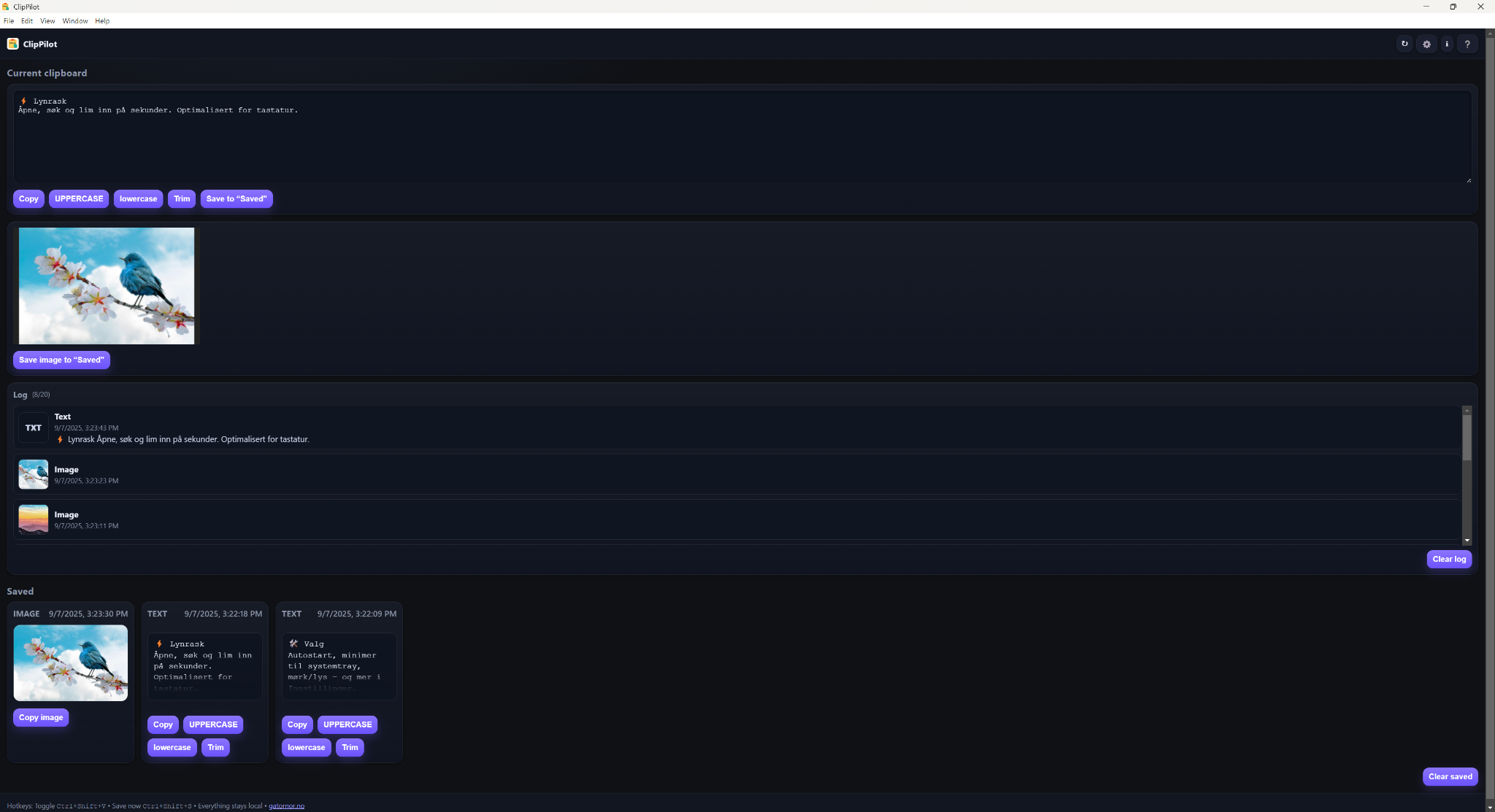
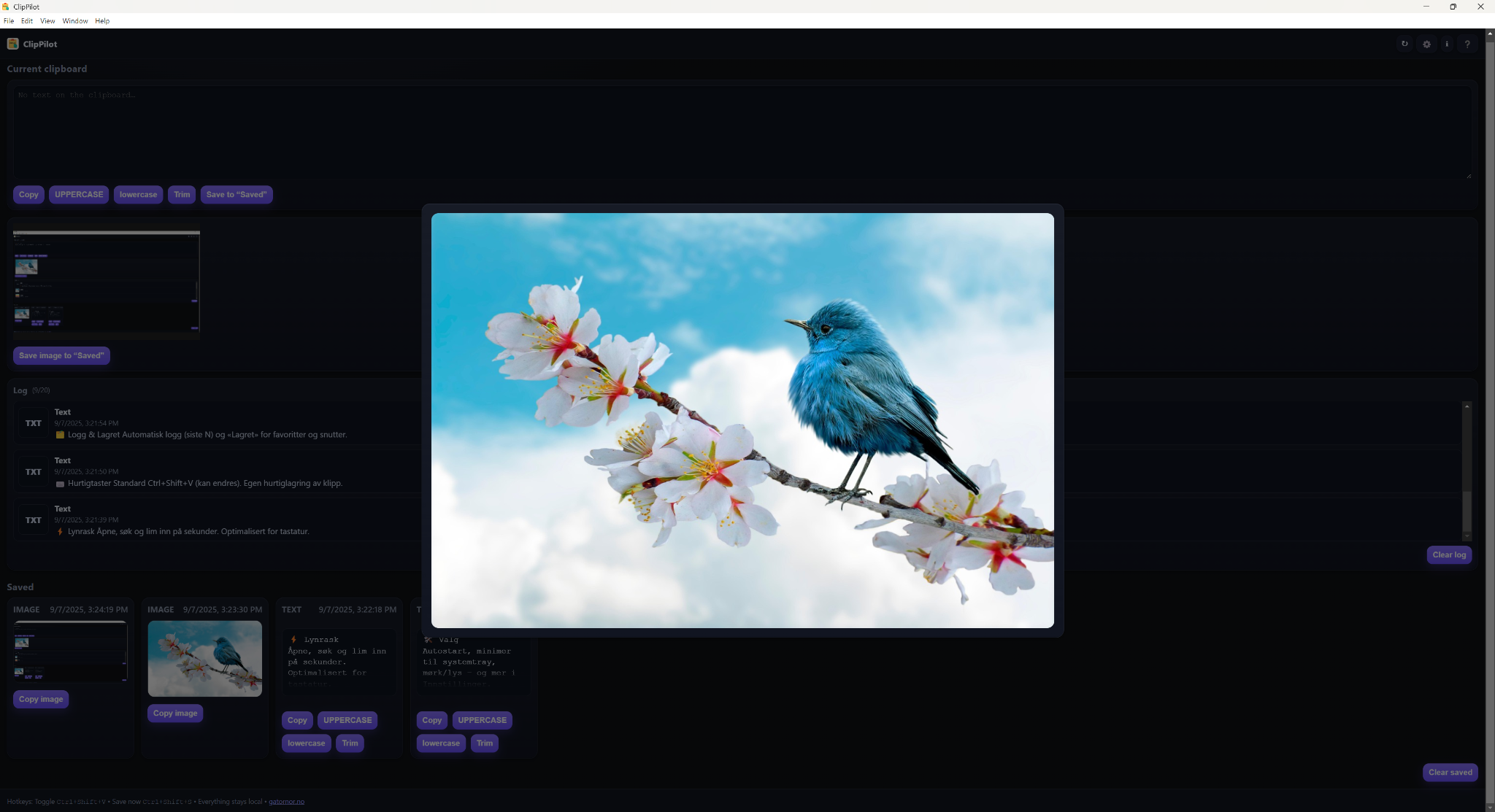
5) Installation
- Download the installer: clippilotsetup.exe.
- Double-click and follow the steps. On first run, SmartScreen may ask for confirmation.
- Launch the app. Open with
Ctrl+Shift+V, and check Settings for hotkeys/autostart.
For IT friends: File size & SHA-256 will be posted here with the next build.
6) Trust & privacy
- No account and no cloud sync.
- No telemetry. The app only interacts with the OS clipboard locally.
- Uninstall anytime via “Add or remove programs” in Windows.
7) Support the project ❤️
If you like ClipPilot and want faster development, you can support the project:
Thank you! Donations go directly to development, hosting and testing.
8) Changelog
- v0.1.1 (7 Sep 2025): Global hotkey stability, better search, small UI improvements.
- v0.1.0: First public test build with history, Saved, actions and hotkeys.
9) Contact
Questions, ideas or a bug? Email support@gatornor.no.