ClipPilot
Blazing-fast clipboard with actions. Fully local — no account, no cloud.
Why ClipPilot?
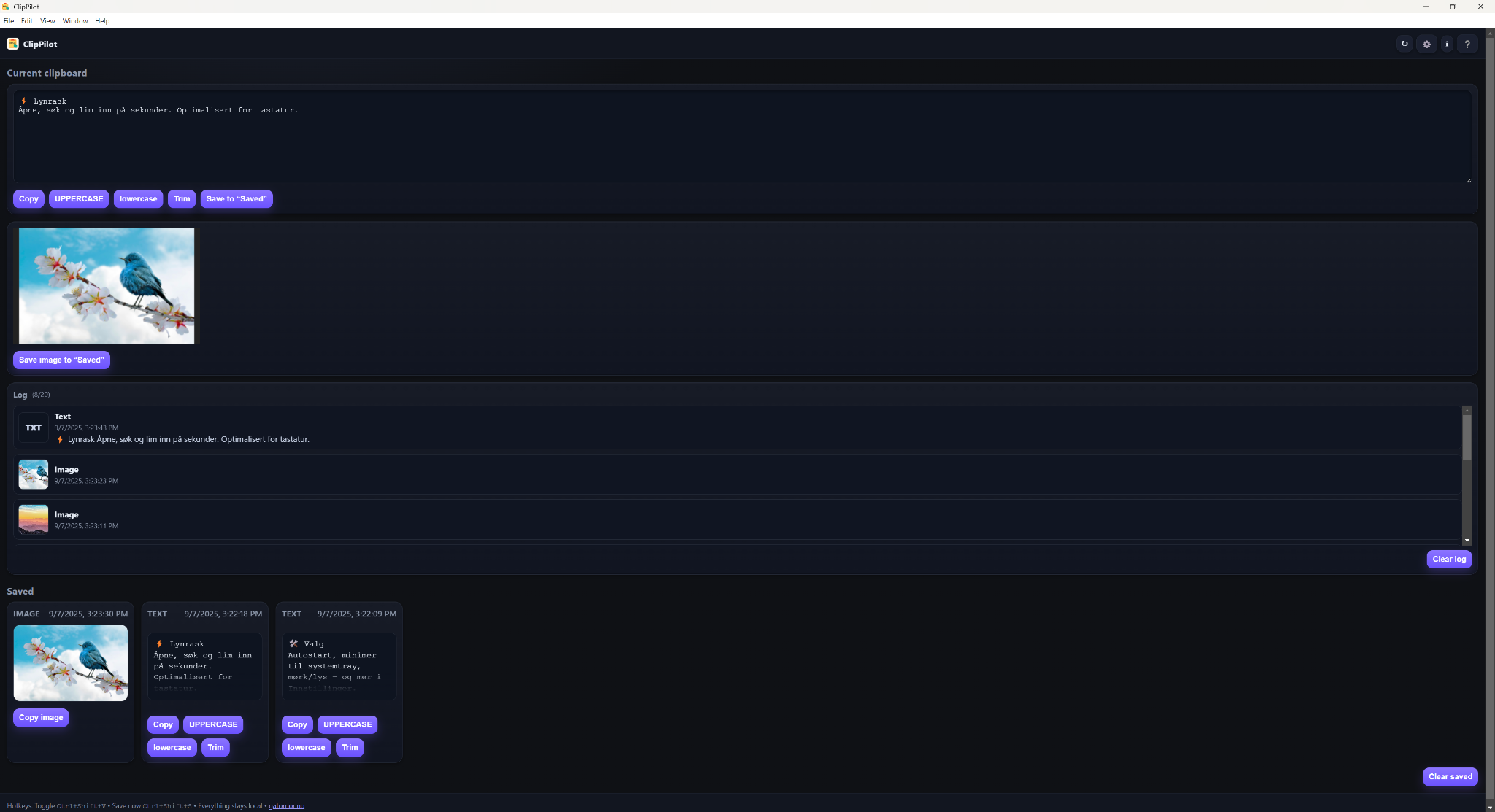
⚡ Fast
Open, search and paste in seconds. Optimized for keyboard.
⌨️ Hotkeys
Default Ctrl+Shift+V (customizable). Quick-save clips.
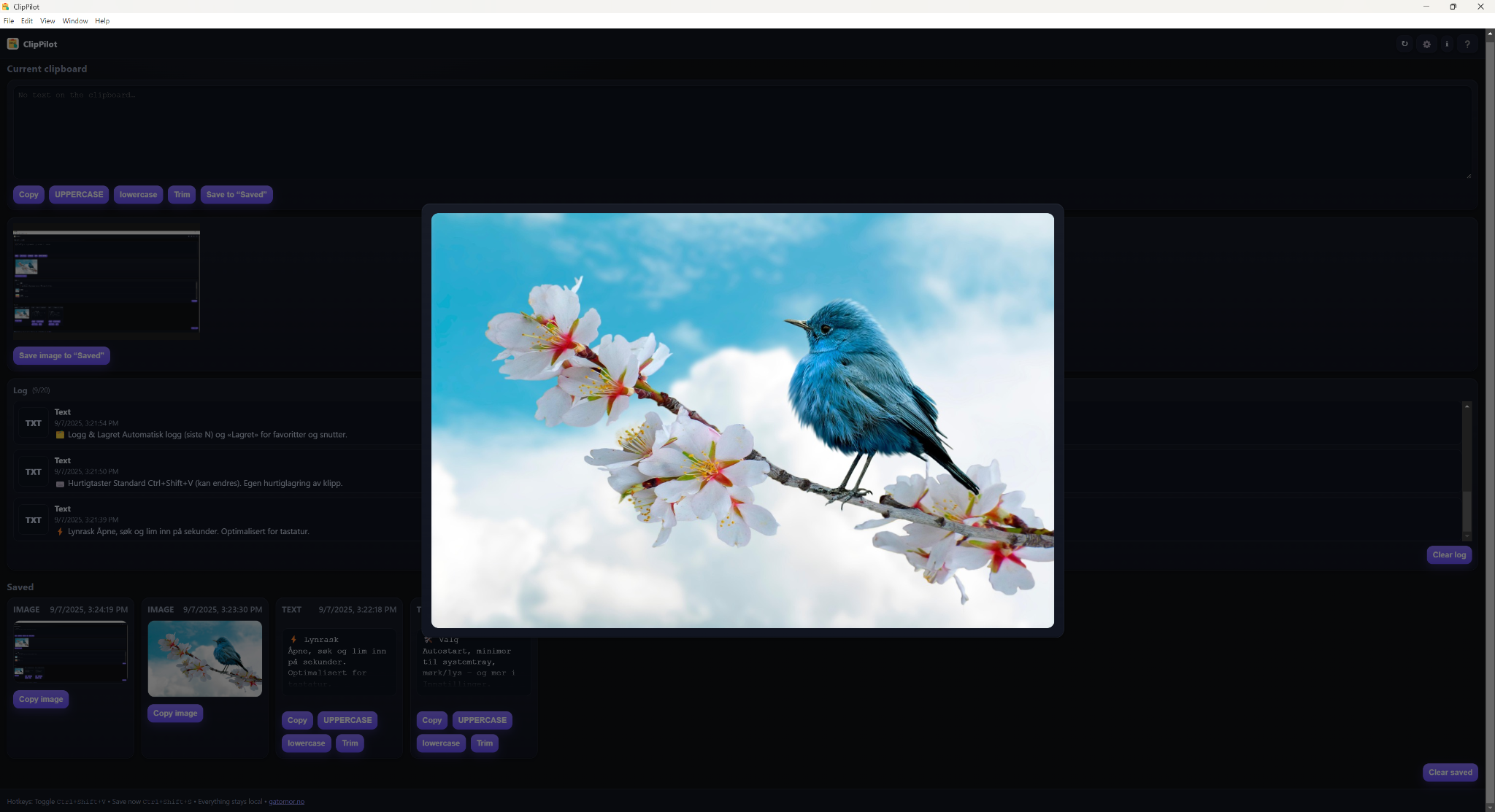
🗂️ History & Saved
Automatic history (last N) and “Saved” for favorites/snippets.
🧩 Actions
Run small actions on clips: trim, change case, add prefix, etc.
🔐 Privacy
No network, no account. Data is stored locally on your PC.
🛠️ Options
Autostart, minimize to tray, dark/light — and more in Settings.
Quick Start
- Download and run clippilotsetup.exe.
- Open ClipPilot with
Ctrl+Shift+V. - Navigate with arrow keys, paste with
Enter, save withCtrl+S.
Tip: Right-click in the list for more actions.
Screenshots
Privacy & FAQ
Does ClipPilot collect data?
No. No telemetry and no cloud. Everything is stored locally.
Can I change the hotkeys?
Yes — go to Settings → Hotkeys.
Is macOS/Linux supported?
Focus is Windows. Other platforms may be considered if there’s demand.
Join the GatorNor Discord!
Chat with us, report bugs and request features.

Support GatorNor
Donations keep the lights on: hosting (domain, server, bandwidth) + more time for free tools.